The Sequences section of the Control Panel provides convenient ways to access the Sequencer. This can be done in either of 2 ways:
•Click the "Open The Sequencer" button at the top. This will open the Sequencer, without opening any sequences. If you want to create a new sequence or edit a preview, choose this option.
•In the "Recent Sequences" section, double-click on one of the sequences listed.
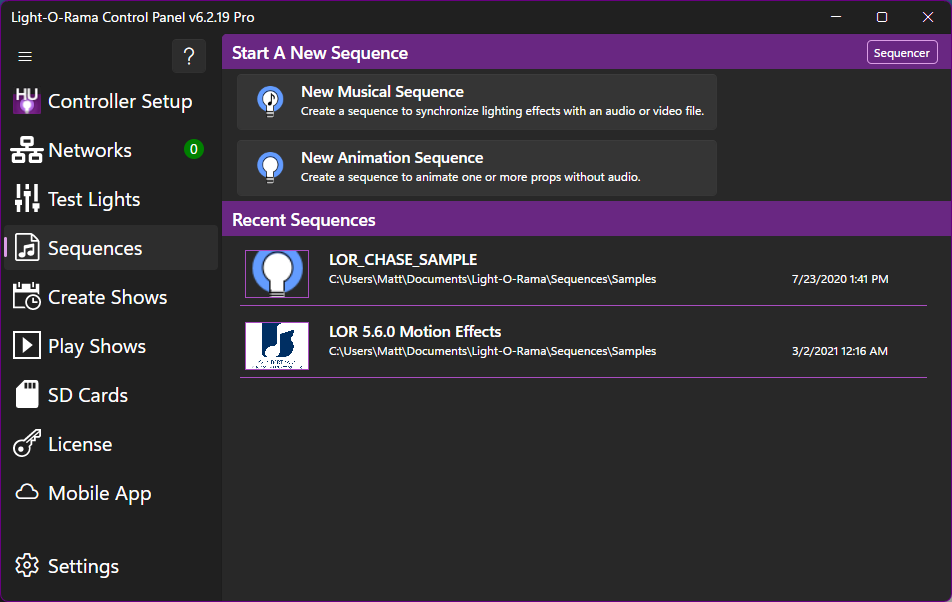
The Sequences Section