The Light-O-Rama Visualizer's New Simulation dialog allows you to create a simulation with the parameters you specify. You can change these parameters later, with the "Simulation Properties" dialog.
•OK
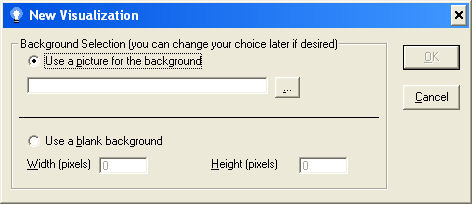
The Visualizer's New Simulation dialog
Background
Select if you would like to use a picture or a plain solid white background for your simulation. If you select "Picture", you must use the "select file" button ("...") to select your background graphic. If you select "Blank", you must specify a width and height in pixels.
OK
Once the dialog is correctly completed, the OK button becomes available. When selected, it creates the new visualization with the parameters you have specified.
Cancel
Dismisses the dialog without any changes.